Supported by Max Solution
Receive & label
Organize incoming items, stock records and product barcode labels.
What this step delivers
Items identified and ready to display.
MAX SOLUTION · Desktop system
Connect selling, item records, customer offers and stock in your shop.
Request a demo for this activityExplore the workflow ↓FROM FIRST STEP TO DAILY REVIEW
Explore the numbered points to see the work sequence and how Max Solution supports it.
 Select a point or a step below
Organize incoming items, stock records and product barcode labels.
Items identified and ready to display.
Prepare selling prices and the quantity or unit-price promotions used by your store.
Consistent price information at checkout.
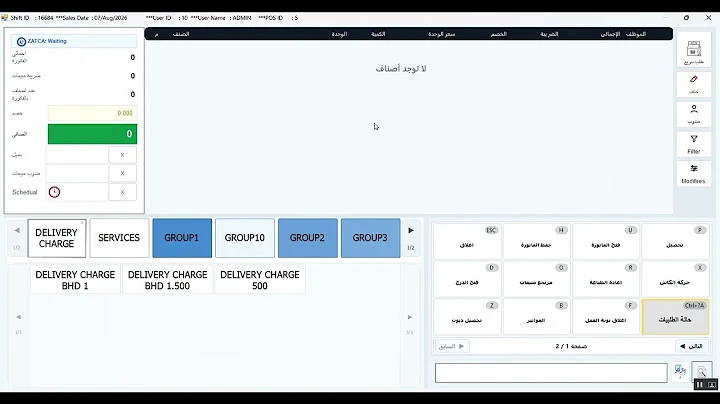
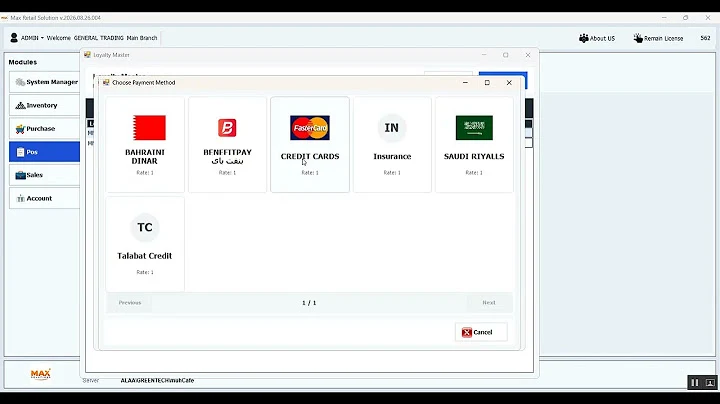
Record the invoice and use the configured payment methods and customer loyalty options.
A recorded sale with its customer-facing invoice.
Review sales, stock movement and purchasing records for daily follow-up.
A clearer view of trading activity.
Team steps describe the work people carry out. Software options and specialist requirements are confirmed for your setup.
Keep items, prices and barcodes organized.
Follow sales, purchases and stock movement.
Review customer promotions and daily reports.
Keep daily sales and invoices connected to your business records.
Follow item movement, purchasing and stock records across your workflow.
Prepare item barcodes and labels for day-to-day selling and stock work.
Explore customer points and discounts in the official configuration tutorial.
MAX SOLUTION
Use these questions to prepare your demo. We confirm specialist features and integrations against your requirements.
GREEN TECH · W.L.L
Tell us about your activity, your team and the workflows you need.